Bookings and calendar
Control the live court calendar, reservation changes, and availability from one schedule.
The bookings section manages the live timetable: reservations, open slots, blocked hours, court availability, and weekly schedule updates.
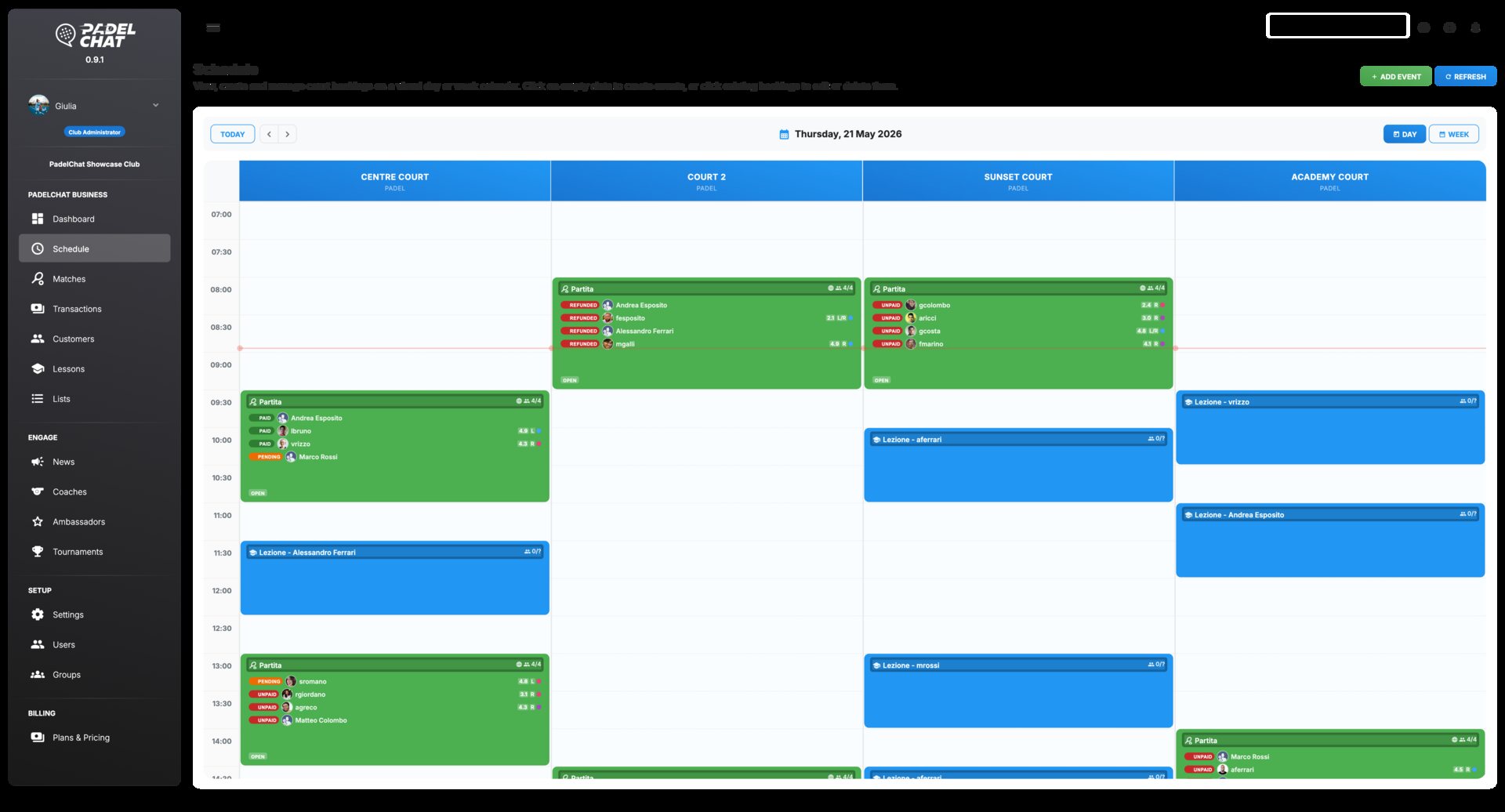
Time slots, court labels, drag targets, and booking-side context panels.
Available screens
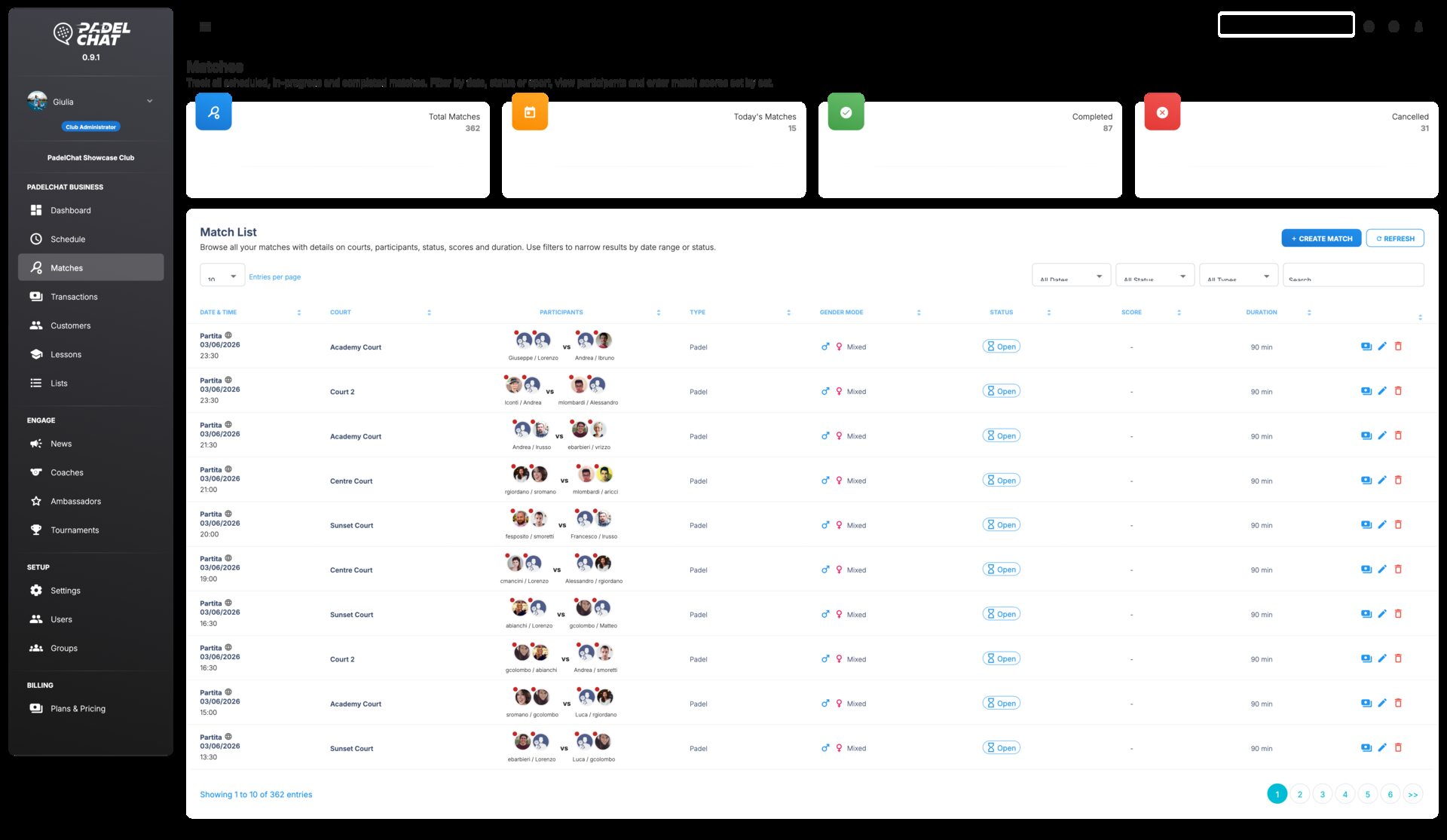
These screens show the main views available in this section and the workflows they support.
Core capabilities
- Calendar-first control of court slots and availability windows.
- Reservation handling for day-to-day club activity.
- A cleaner way to resolve conflicts and last-minute updates.
How clubs use it
The calendar surfaces reservations, blocked ranges, and open capacity by day, week, or court.
Staff resolve conflicts, update availability, and move bookings without leaving the schedule view.
The same workspace keeps court usage and customer activity aligned throughout the day.
Other sections
Operations dashboard
Track courts, occupancy, alerts, and open tasks from the daily control view.
Payments, refunds, and Stripe
Collect payments, monitor status, and process refunds from one payments workspace.
Members and customer lists
Manage customer records, lists, and segmentation from the club CRM layer.
Coaches and lessons
Coordinate coaches, lesson programs, capacity, and training visibility.
Tournaments and events
Manage tournament formats, participants, standings, brackets, and event operations.
News, ambassadors, and promotion
Publish club news, coordinate ambassadors, and manage promotional output.
Team, roles, and permissions
Set staff access, roles, groups, and permissions with clear governance.