Operations dashboard
Track courts, occupancy, alerts, and open tasks from the daily control view.
The operations dashboard gives managers an immediate view of court usage, booking pressure, pending issues, and anything that needs intervention before the day gets busy.
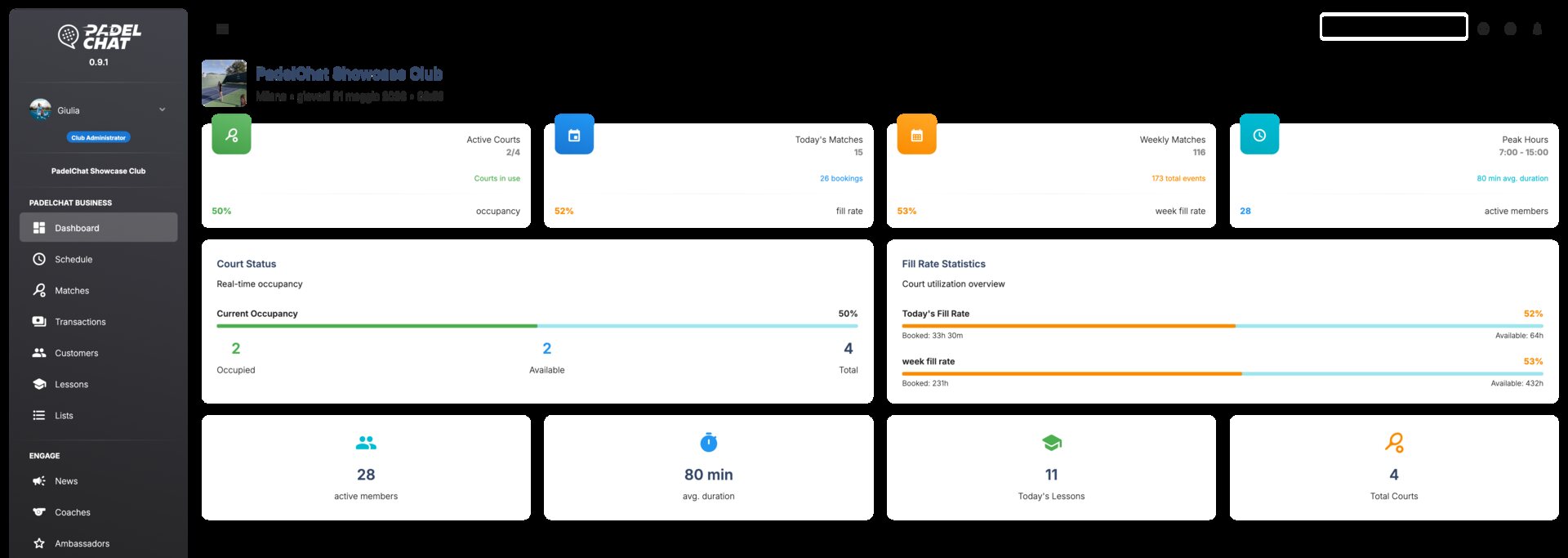
KPIs, schedule status, occupancy snapshot, and staff follow-up blocks.
Available screens
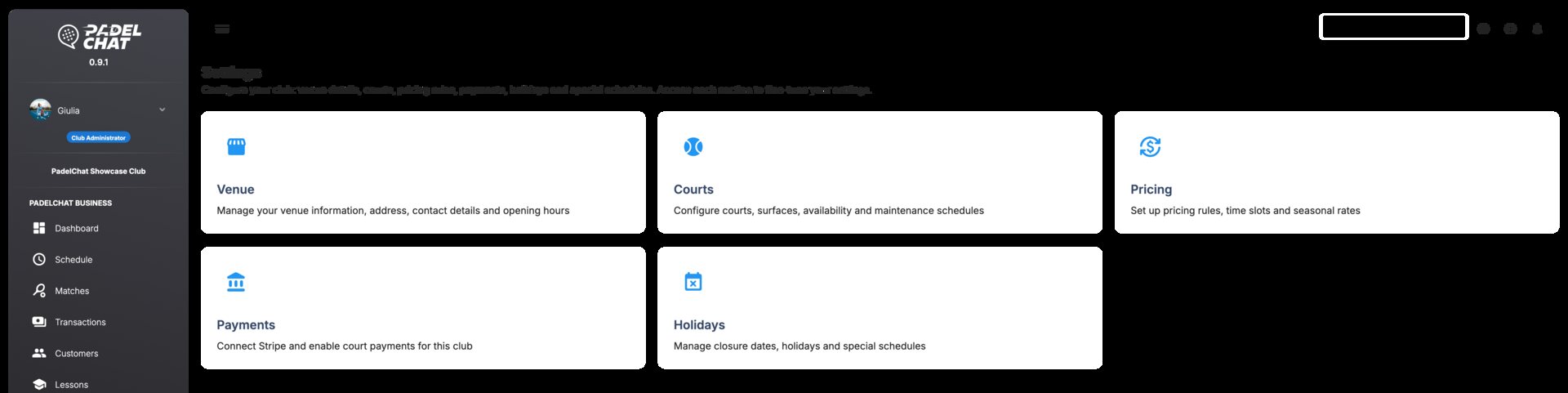
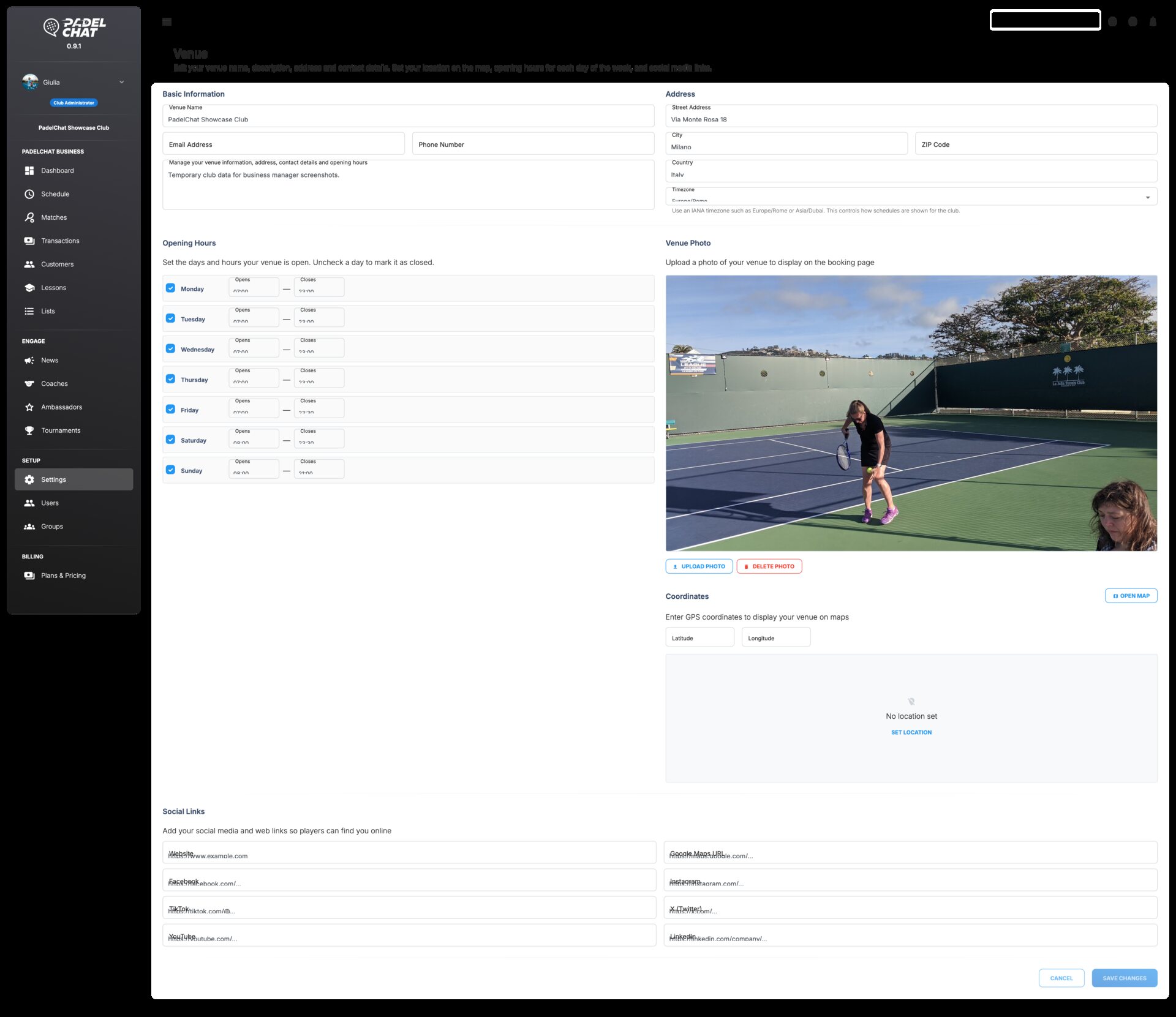
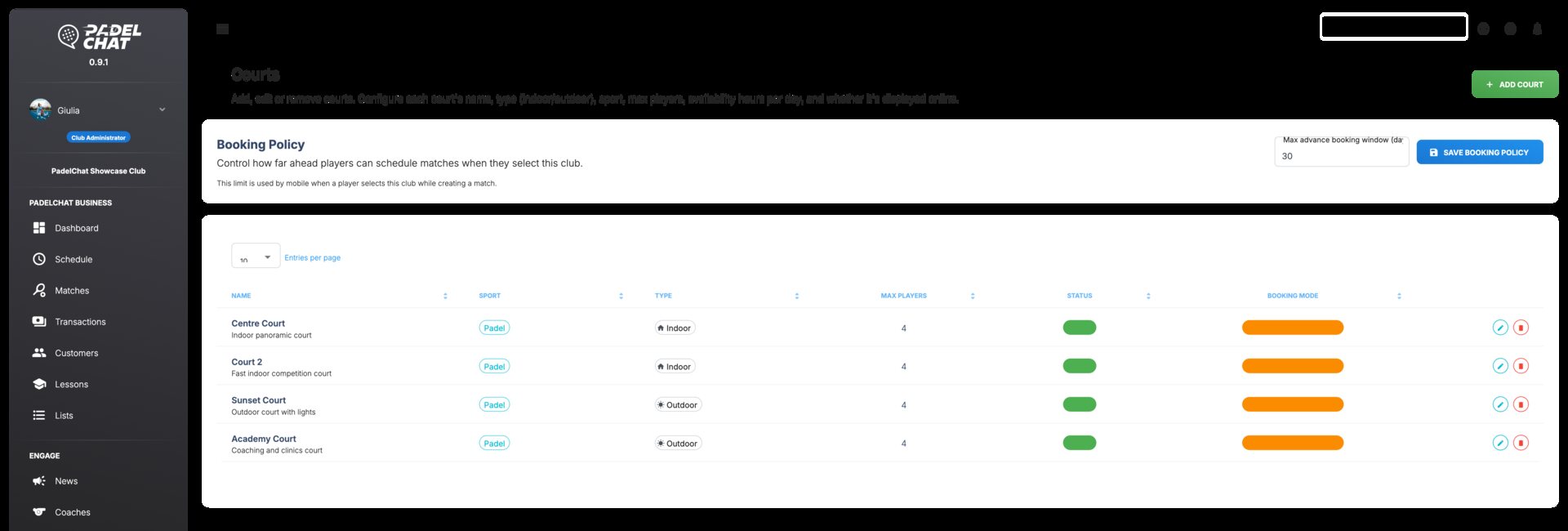
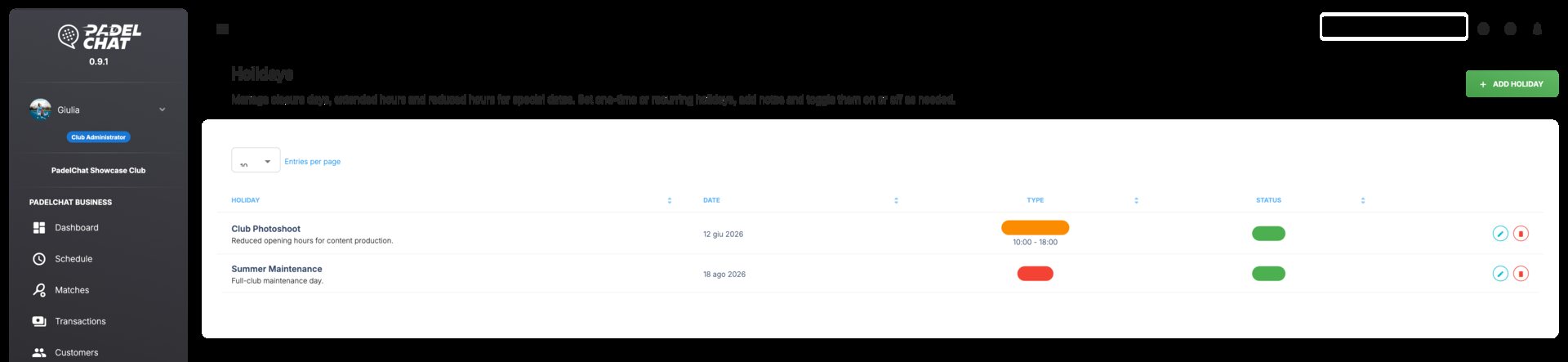
These screens show the main views available in this section and the workflows they support.
Core capabilities
- Daily KPIs for bookings, occupancy, and open issues.
- Fast access to court availability, alerts, and team actions.
- A clearer starting point for busy front-desk workflows.
How clubs use it
Managers start here to review occupancy, booking load, and unresolved issues.
From the dashboard, the team jumps directly into the court, booking, or issue that needs action.
Operational alerts stay connected to the rest of Business Manager, so the daily overview remains intact.
Other sections
Bookings and calendar
Control the live court calendar, reservation changes, and availability from one schedule.
Payments, refunds, and Stripe
Collect payments, monitor status, and process refunds from one payments workspace.
Members and customer lists
Manage customer records, lists, and segmentation from the club CRM layer.
Coaches and lessons
Coordinate coaches, lesson programs, capacity, and training visibility.
Tournaments and events
Manage tournament formats, participants, standings, brackets, and event operations.
News, ambassadors, and promotion
Publish club news, coordinate ambassadors, and manage promotional output.
Team, roles, and permissions
Set staff access, roles, groups, and permissions with clear governance.